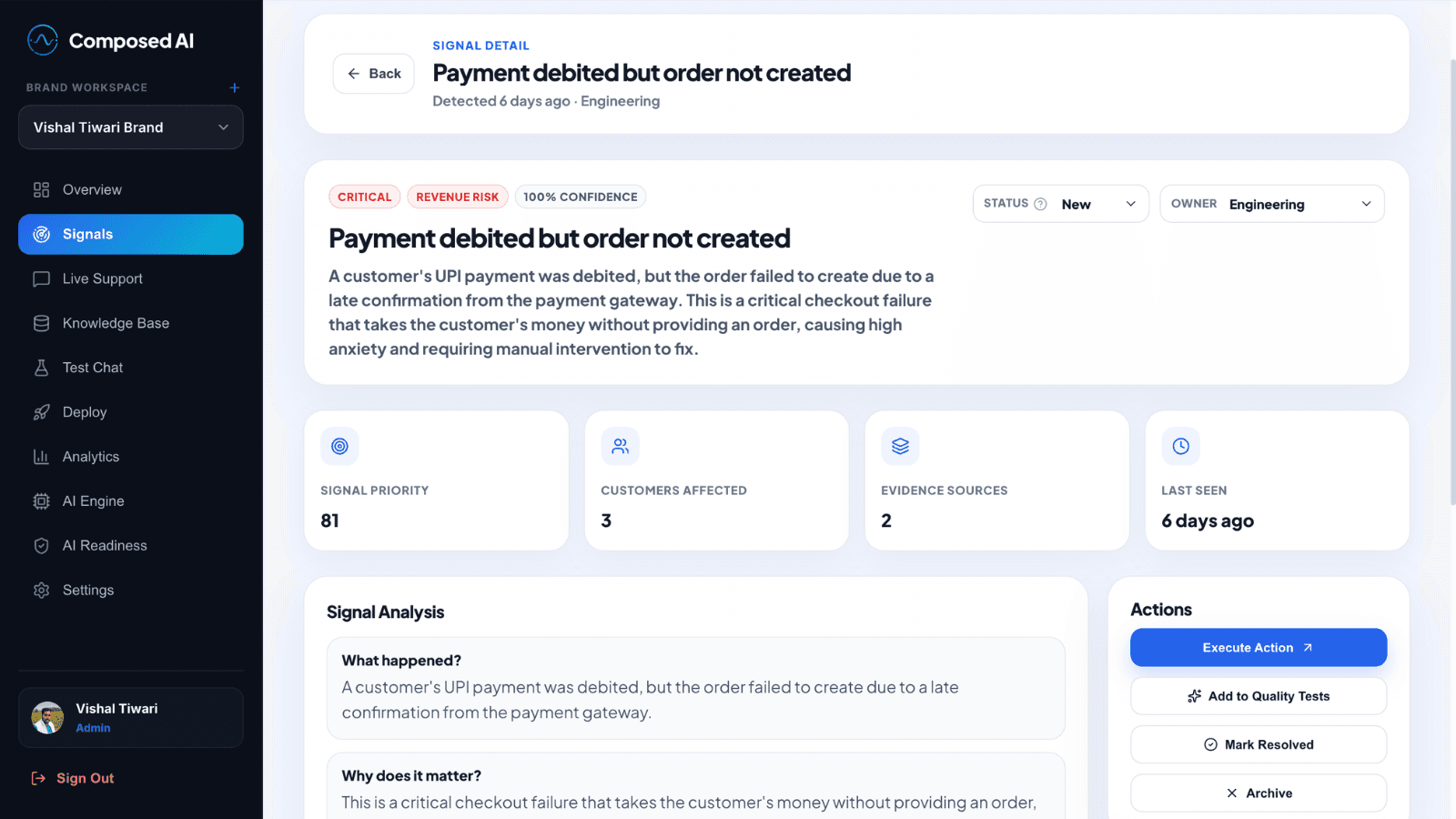
Turn product activity into funnel and behavior signals.
Connect event logs, CSVs, or analytics tables. Composed AI helps you review the journey, catch meaningful changes, and send those changes into the same Signals workspace your team already uses.
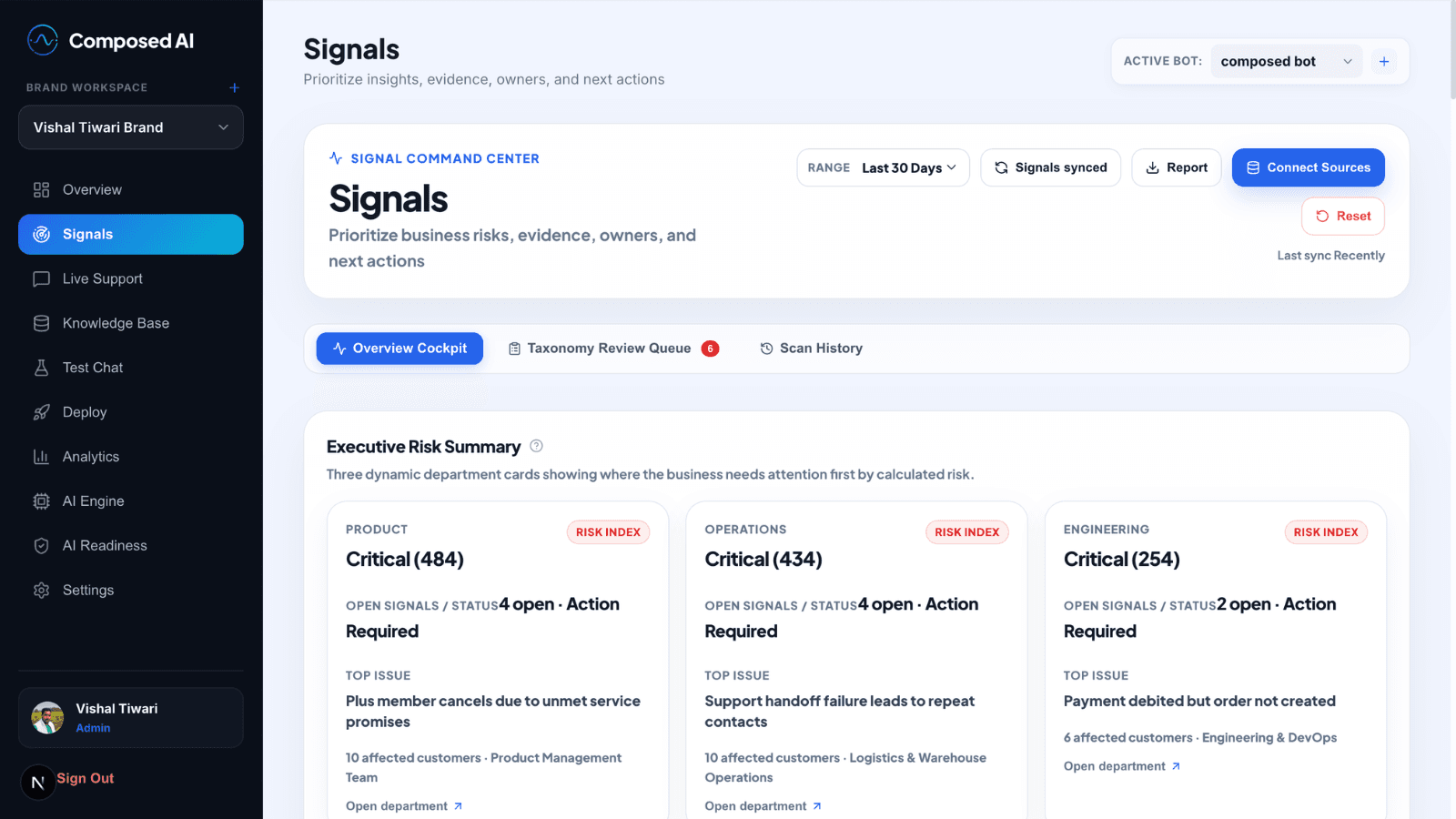
From event data to reviewable product signals
Analytics Signals is not a separate dashboard. It is a path into the same evidence-backed signal workflow used for conversations and documents.
1. Connect product activity data
Upload event exports or connect analytics tables so Composed can read the journeys your product already captures.
2. Review the event structure
Confirm the important fields like event names, timestamps, sessions, and user identifiers before monitoring begins.
3. Define the funnel or journey
Review suggested steps, adjust the journey that matters, and confirm what good performance should look like.
4. Turn changes into signals
When conversion drops, payment failures spike, or onboarding slows down, Composed turns the change into a signal with evidence.
The kinds of issues teams catch early
Checkout drop-off jumps after a release
Onboarding completion falls for new accounts
Payment failures rise on one gateway path
Activation slows after a pricing or UX change